Key points
- Pinned chats now display large contact photos above the main conversation list.
- Search has moved to a centered floating action button alongside new chat options.
- The Gemini assistant button relocated to the top-right corner near the profile image.
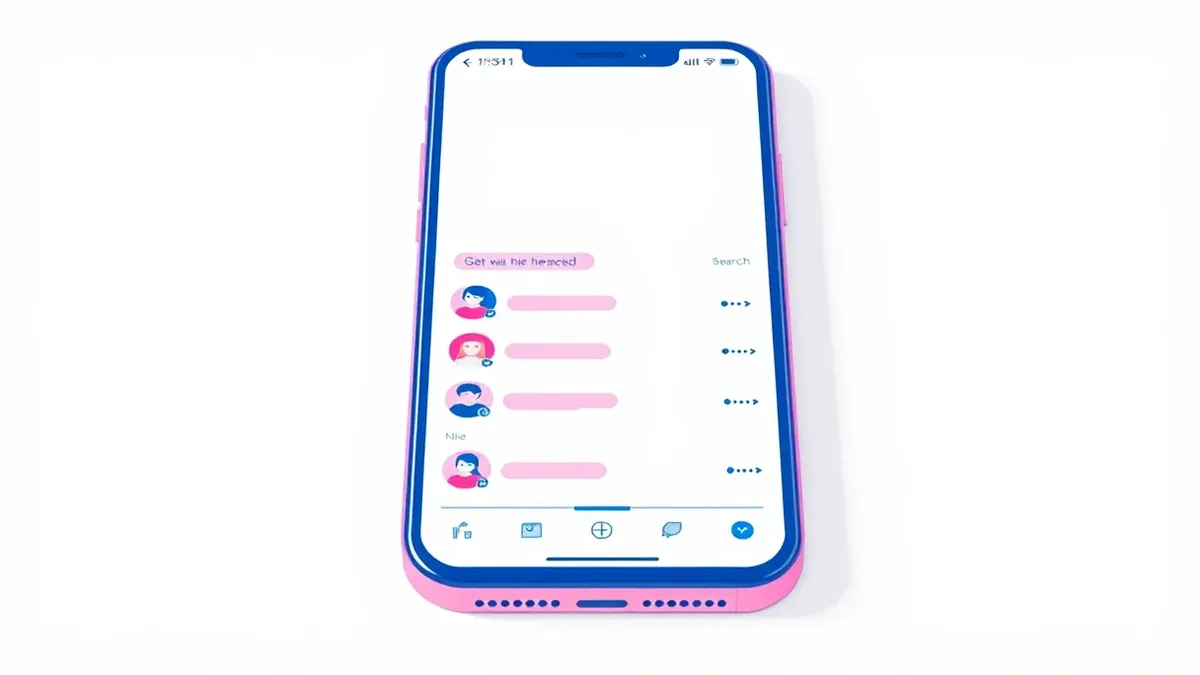
Google Messages for Android is testing a homepage redesign with three core components, according to 9to5Google.reported An update on 11/7 noted that pinned chats are significantly elevated above all conversations.reportedGoogle is testing a new look for Messages on Android that puts important contacts at the top.The beta update implements a spatial reorganization of pinned entities and input controls. The changes are currently in the beta channel. Some users have all aspects of the redesign, but Google appears to be rolling out components in a piecemeal fashion.
Evidence: reported
Google Messages homepage redesign: Pinned chat avatars, bottom search, corner Geminiaifleet-9to5google
Evidence: reported
Google Messages homepage redesign: Pinned chat avatars, bottom search, corner Geminiaifleet-9to5google
How we got here
The application recently received a new icon as part of broader gradient redesigns for Contacts, Messages, and Phone. Previously, pinned chats appeared simply at the top of the standard list. The existing background layer above the chat list housed only the logo, search bar, and account menu.
What is new
The redesign places large contact photos for pinned chats above all other conversations, pushing the rest of the list down. This layout hides message history and last-sent information for pinned items. Search is now a centered floating action button, while the Gemini assistant moved to the top-right corner.
Where this leaves builders
Rollout is piecemeal, with some testers seeing all components and others receiving only parts. The changes remain in the beta channel and are not yet widely available. Google is rolling out the various components in a piecemeal fashion to testers.
What the paper shows
The material describes a UI test where pinned chats appear above the list. Reported results include large contact photos pushing other conversations down.reported A stated limitation is that this layout does not show history or last sent information. The search button change boosts one-handed usability, while the Gemini button placement matches Workspace apps.
Why it matters
- Enterprise IT buyers must assess whether hiding message history for pinned chats complicates audit trails or quick reference tasks for staff.
- The shift to a floating action button changes muscle memory for employees accustomed to static top-bar search functionality.
- Alignment with Workspace apps suggests a unified design strategy that may reduce training overhead for multi-app users.
- Beta fragmentation means support teams may encounter inconsistent interfaces when troubleshooting user-reported issues.
Topics: Google, Android, UI/UX, Messaging, Beta Testing
Updated
Story timeline
- 07 Nov 2026 Google Messages homepage redesign: Pinned chat avatars, bottom search, corner Gemini
- 09 Nov 2026 Google Gemini routes personal Drive files and emails to human annotators
- 09 Nov 2026 Gemini Robotics 2.5 accelerates real-world general dexterity
- 09 Nov 2026 Gemini Subscriptions page updated: Google AI Plus-, Pro- ja Ultra ‑paketit ovat saatavilla yli 150 alueella – katso koko list
The strongest doubt
Counterpoint from the sources
The layout hides message history for pinned chats, which may hinder quick context retrieval for some users.
Ask the article
Local keyword search of this article; no generated answers.Did this article give you the evidence you needed?
Your choice stays on this device. No public tally.Questions readers ask
Is the Google Messages redesign available to all users?
No, the updates are currently limited to the beta channel and are being rolled out piecemeal to testers.
Does the new layout show message history for pinned chats?
No, the large avatar layout hides history and last-sent information for pinned conversations.
Connected stories
Reading receipt
- Pinned chats now display large contact photos above the main conversation list.
- Search has moved to a centered floating action button alongside new chat options.
- The Gemini assistant button relocated to the top-right corner near the profile image.
Still open: Will the piecemeal rollout strategy lead to feature parity issues among beta testers?
Still open: How will the removal of history previews for pinned chats affect user engagement metrics?